Where are my notes stored?
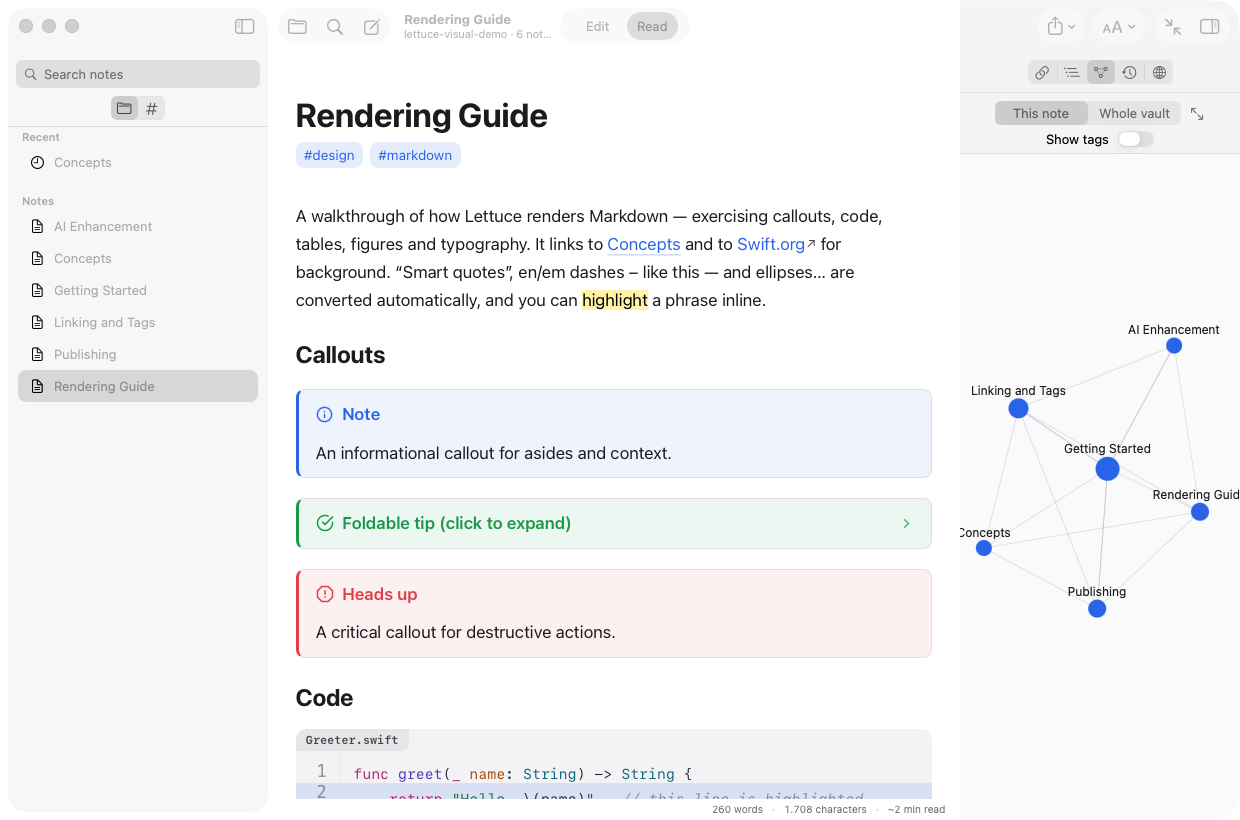
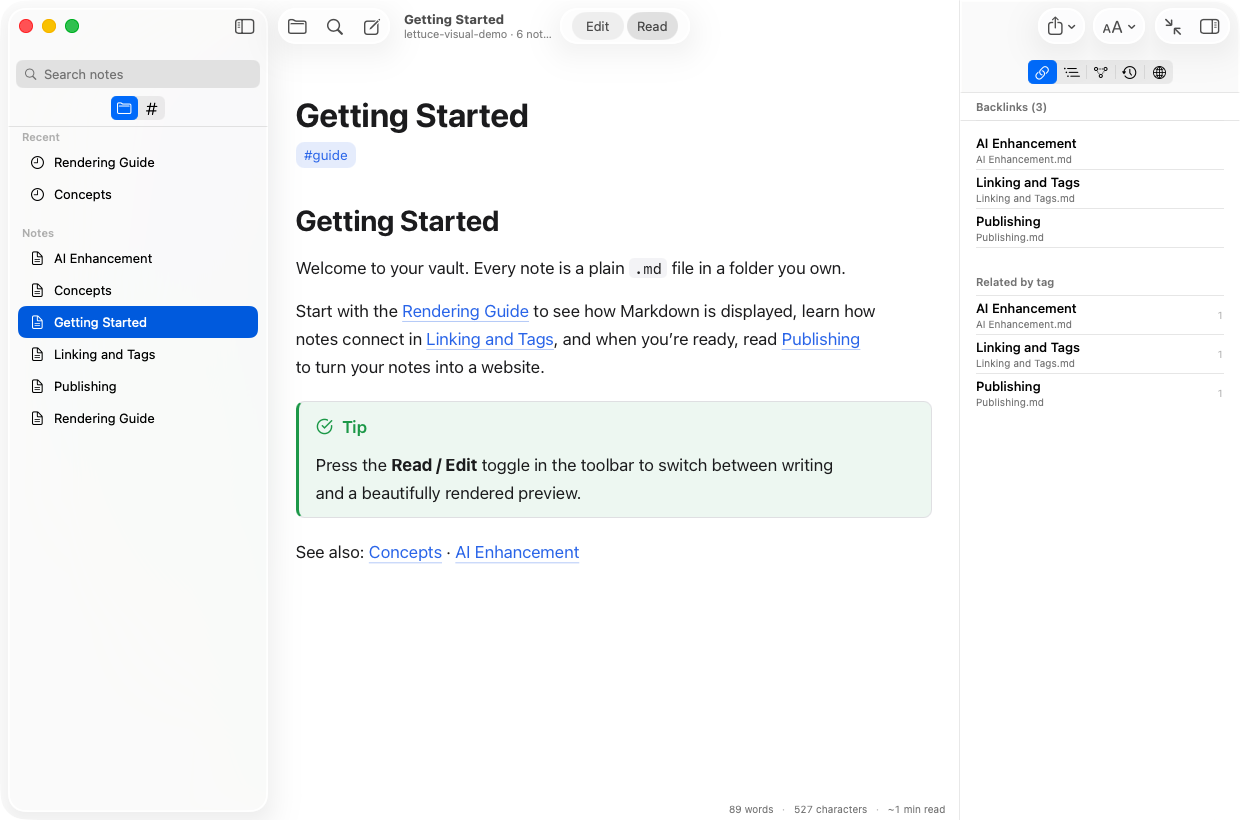
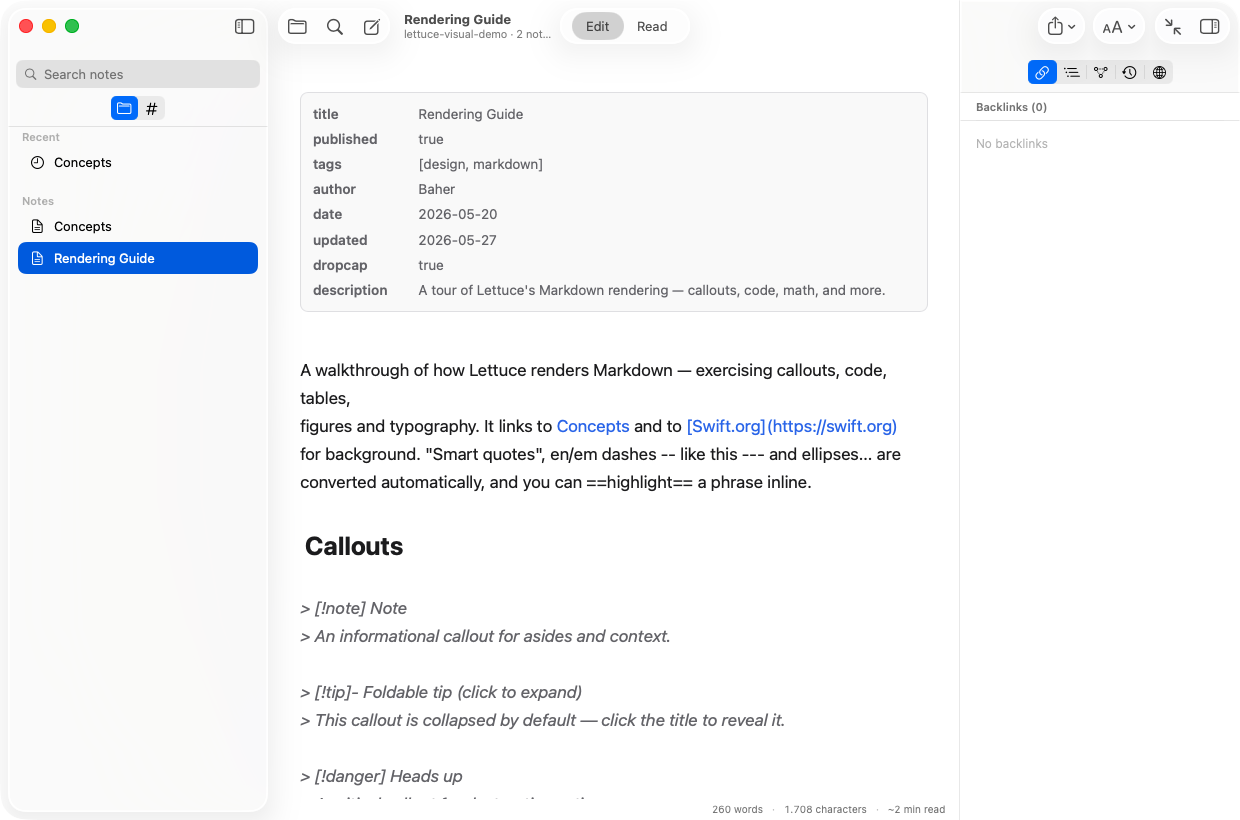
In a normal folder you pick, as plain Markdown (.md) files. Edit them in any other app, sync them with anything, or walk away. There’s no proprietary database and no lock-in.
Is it really free? What's the catch?
Yes — no account, no subscription, no ads, no upsell. And because your notes are plain Markdown files in your own folder (no proprietary format, no lock-in), you keep everything even if you ever stop using Lettuce. You bring your own AI key, so there's no usage cost flowing through us to monetize. Download the notarized app and go.
Does Lettuce see my notes or my AI key?
No. Lettuce has no servers. Everything runs on your Mac, your API key is stored in the macOS Keychain, and it calls your AI provider directly. Notes only leave your machine if you publish them yourself.
Which AI providers can I use?
Anthropic, OpenAI, Google Gemini, or any OpenAI-compatible endpoint, including local models. You bring your own key — or skip the key entirely: pick Claude Code (subscription) and Lettuce runs AI through the Claude Code app you're already signed into, billed to your Claude Pro/Max plan. AI is always optional. (Semantic search needs an embeddings provider — any OpenAI-compatible endpoint, local ones included. The answer tool needs an LLM provider, and uses embeddings for sharper passage retrieval when one is configured.)
Can I search and ask questions across my notes?
Yes. Beyond fast full-text search, Lettuce can search by meaning (vector or hybrid) and answer questions: lettuce answer retrieves the most relevant passages from your vault and writes a cited answer grounded only in your own notes — with links back to the sources. It runs locally against your own providers (an LLM writes the answer; an embeddings provider makes retrieval sharper but isn’t required); nothing is sent anywhere else.
How do AI agents connect?
Run lettuce serve (or just open the Lettuce app, which starts the same server) and point Claude Code or any MCP client at it. Agents read, search, link, organize, and write your notes through real tools, and every agent edit is attributed and reversible. If you want a stricter posture, mark the key propose-only and the agent's writes queue as reviewable proposals. They show up in the Proposals inspector with a full diff, and never hit your files until you click Accept. Lettuce also ships a CLI (lettuce publish, lint, folder add/rename/delete, …) for scripts and CI. The detailed reference is on this site under Docs, or in the app at Settings → About → View Documentation.
What do I need to run it?
macOS 14 (Sonoma) or later, on Apple silicon or Intel. The app is a universal binary, Developer-ID signed and notarized by Apple. A companion iPhone & iPad app (iOS 17+) is coming to the App Store — it works on its own and syncs your vault through iCloud.